Multiple Businesses (Accounts)
You can now view reports across all your different accounts and F5 numbers (Accounts) within Foodics BI.
Video Tour
Watch our video tour to get a complete overview of how to manage multiple businesses in Foodics BI.
Adding Businesses
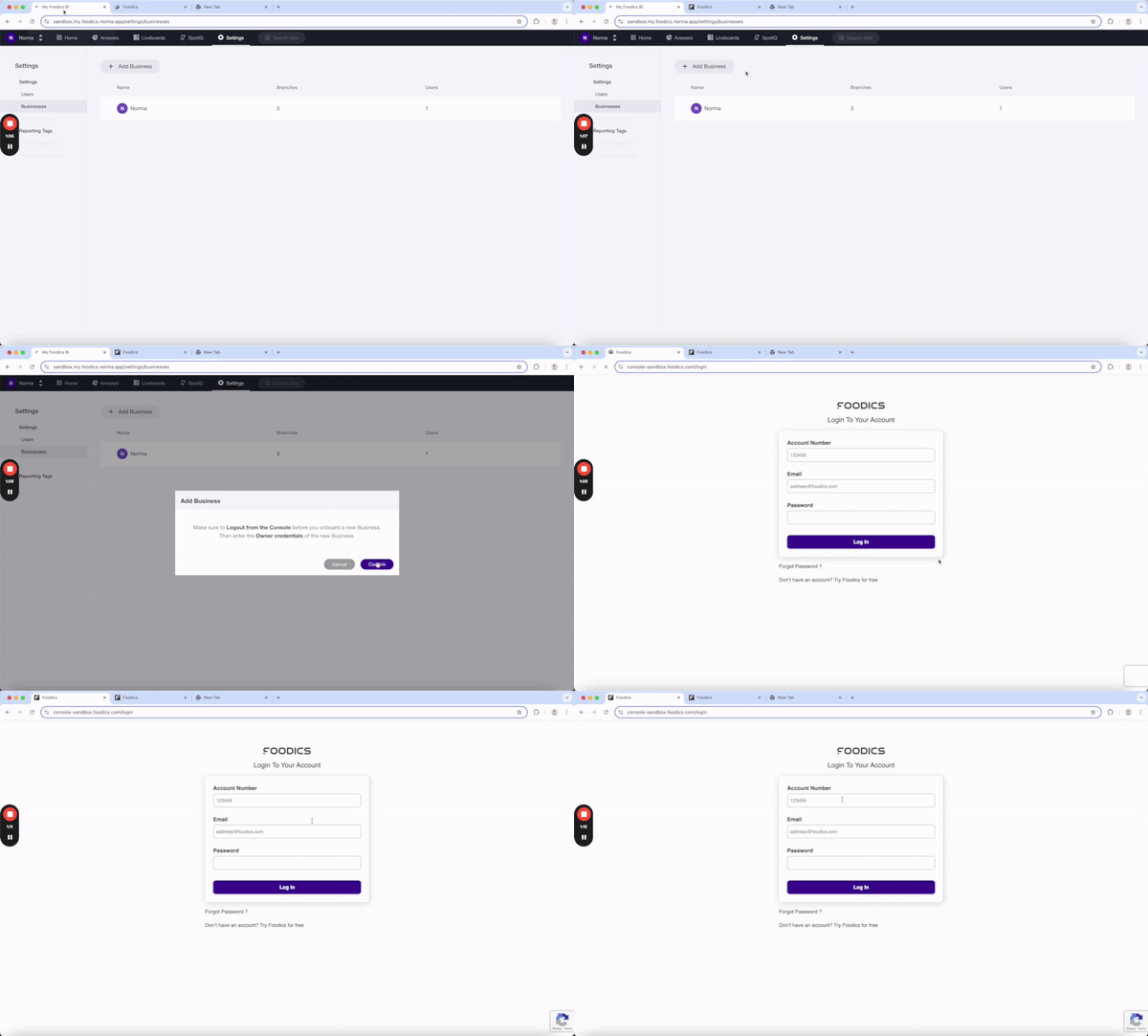
To add another business, navigate to Settings → Businesses and select Add Business. Ensure you are logged out of the Console in your browser, then enter your other business credentials. Please allow 10-15 minutes for the data to load.
Switching Businesses
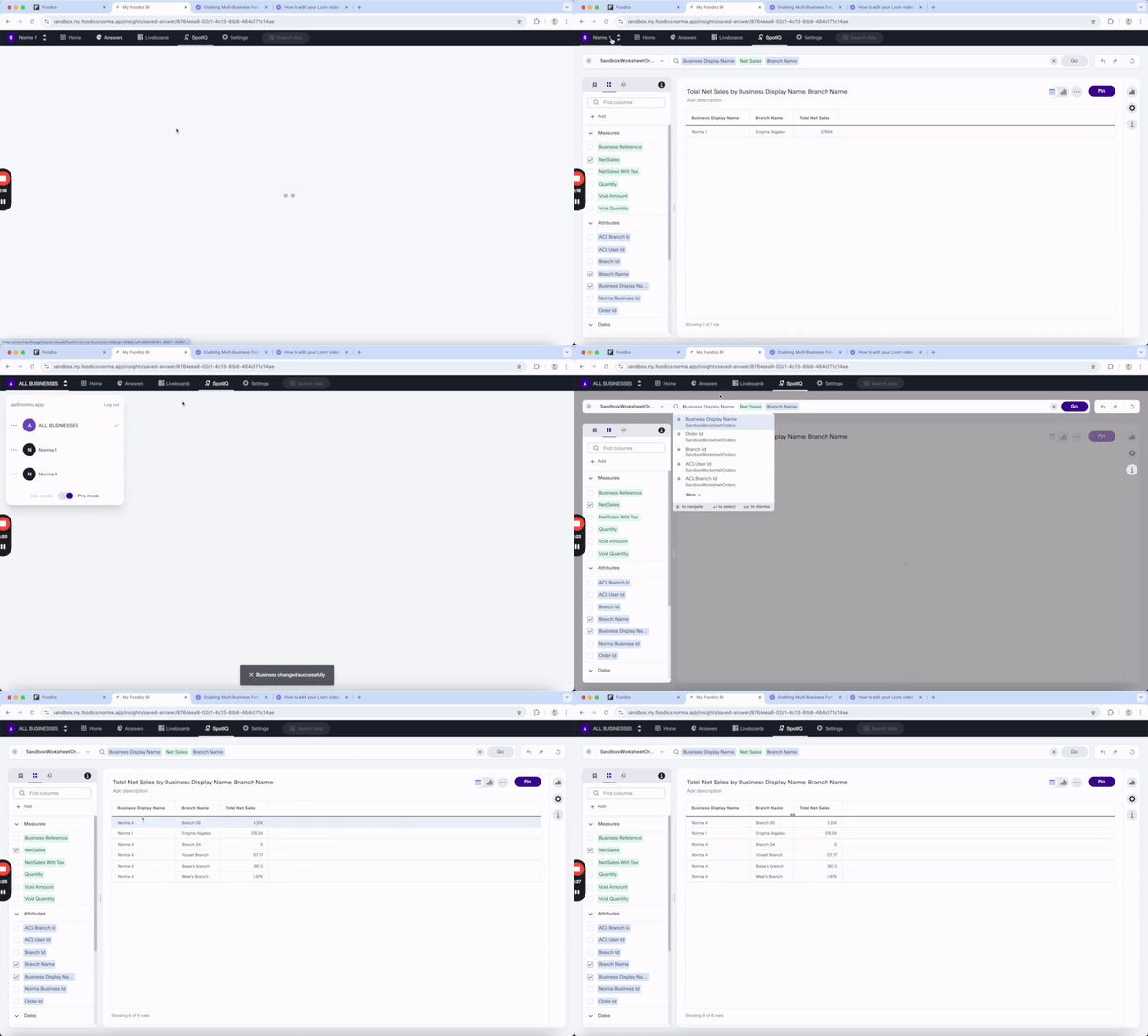
To switch between businesses, choose the "Business Context" from the profile section.
User Roles in Multi-Business
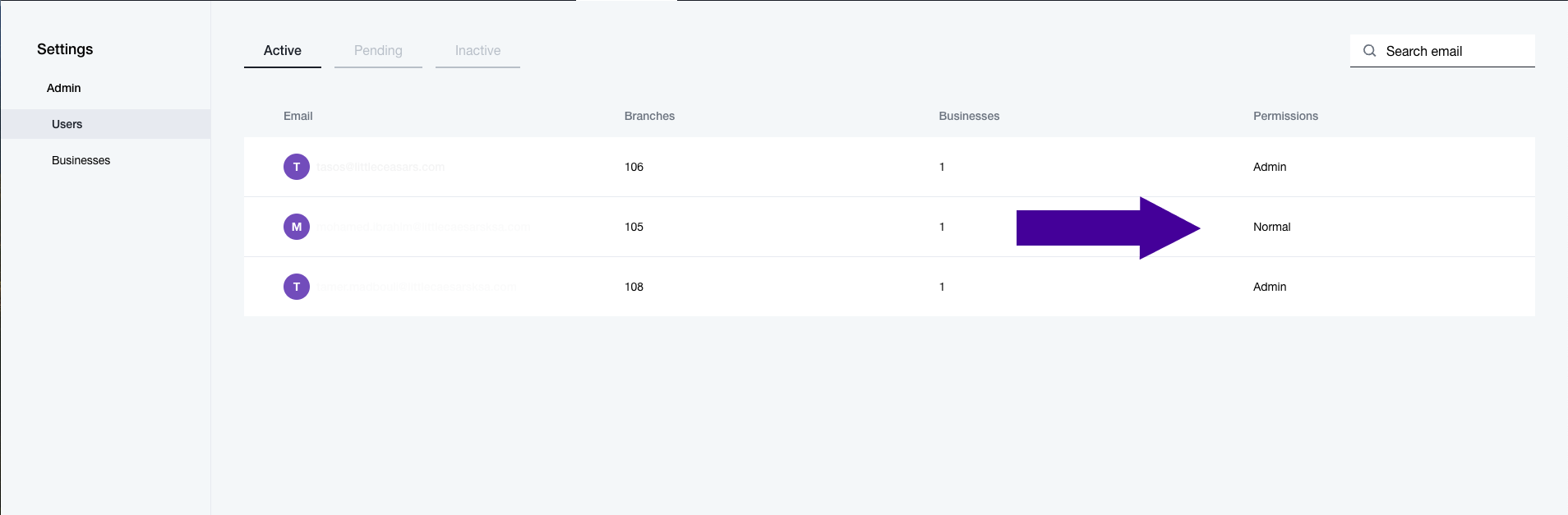
There are two types of users in Foodics BI:
Admin: Access to all branches of all businesses.
Normal: Access only to the branches visible to them in the console.
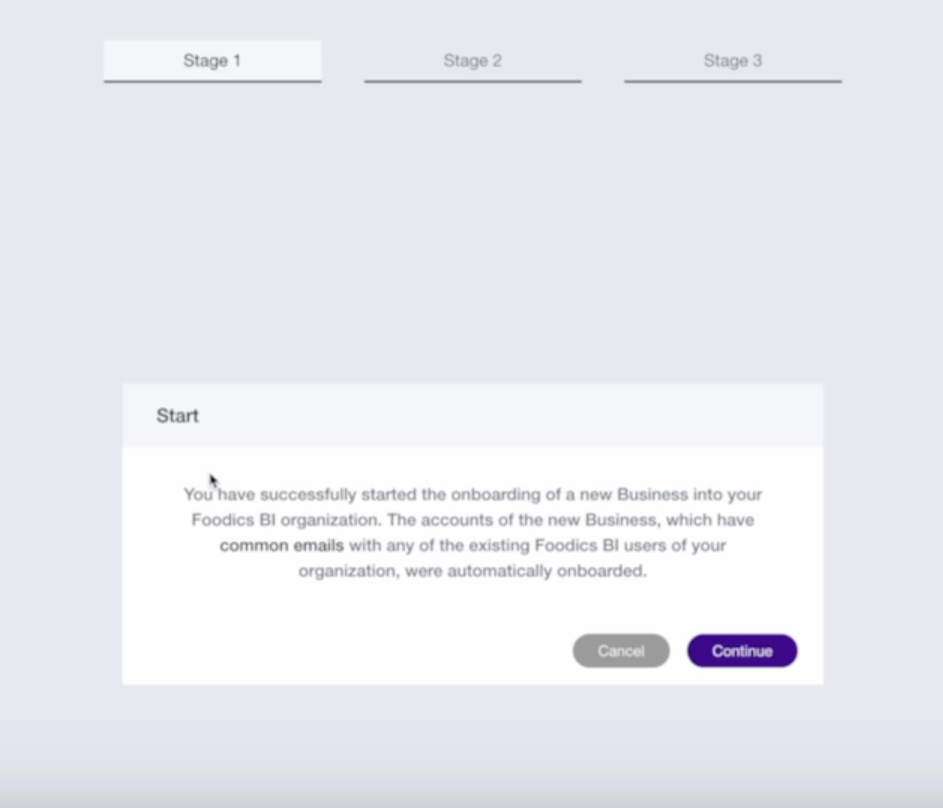
Onboarding Users with Common Emails
If users have the same email across multiple businesses, they will be automatically onboarded with access to the branches they can see in the console.
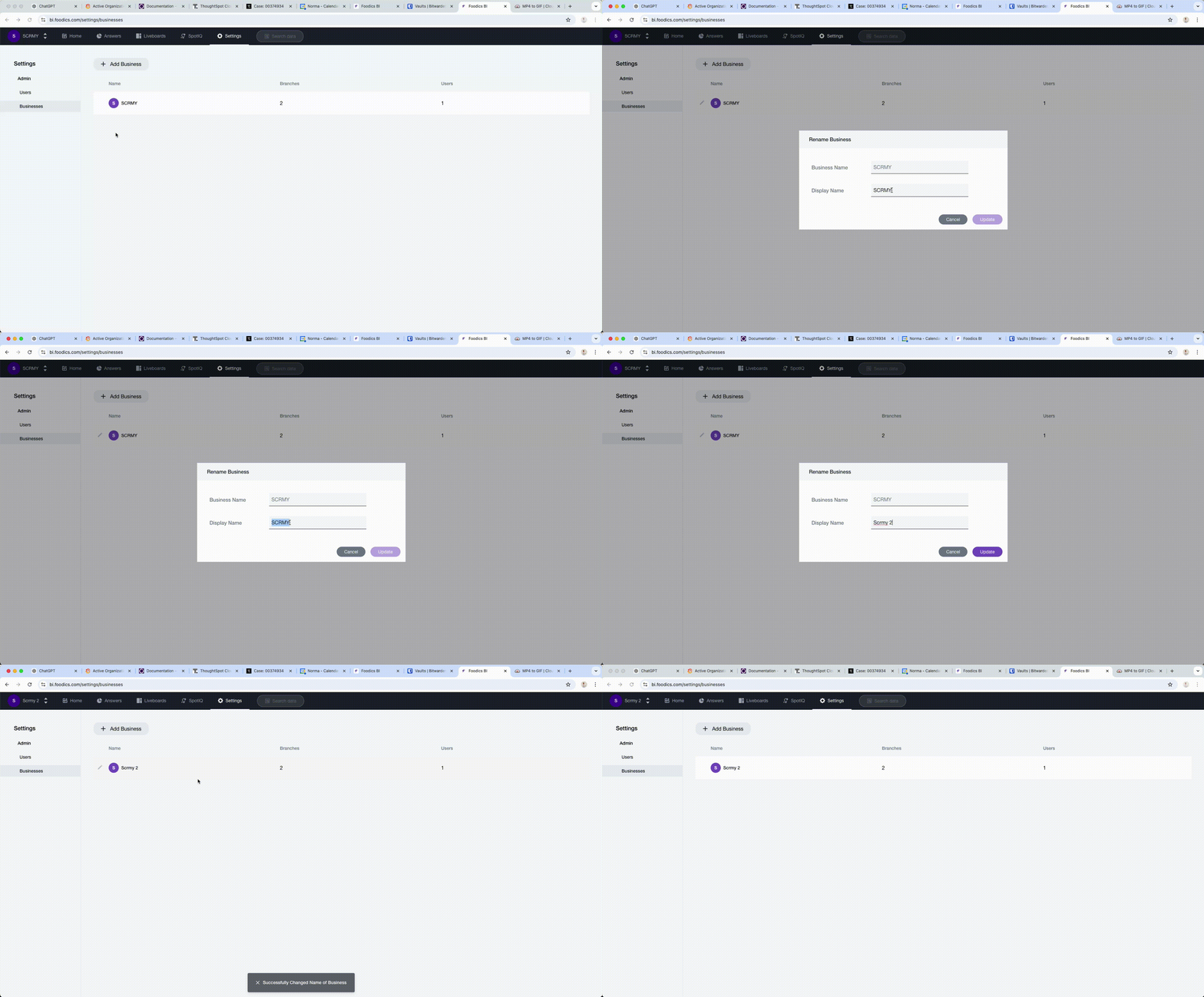
Renaming a Business
To rename a business, go to the Businesses tab in settings, click the "edit" icon next to the business, and update the display name.